 the jelly office
 Aligndar
Find a time. Make a plan.
Compare calendars, suggest dates, and vote on a time that works for everyone.
Download on the App StoreiPhone & iPad · iOS / iPadOS 26+
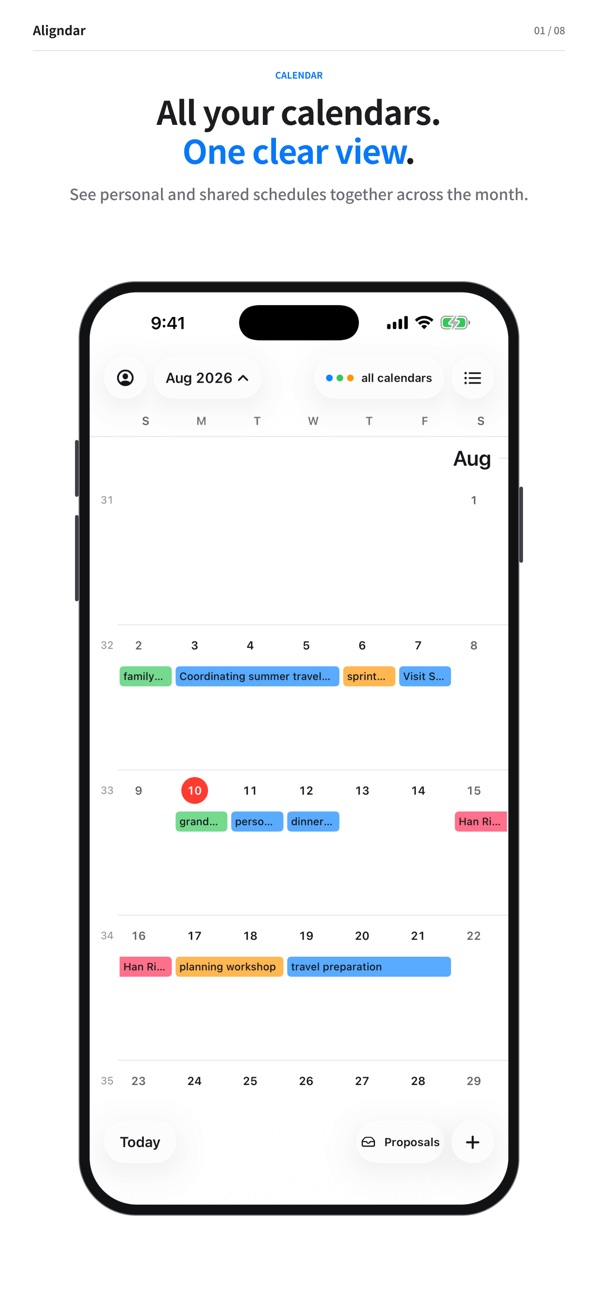
Your calendars, in one view
Bring Apple, Google, and shared calendars into one view. Create a shared calendar or join with an invitation code; connect your personal calendar when you want to use it.
Turn availability into options
Choose a date range, compare available times, and add your own options. Suggest one time when the choice is clear, or offer a few dates for the group to consider.
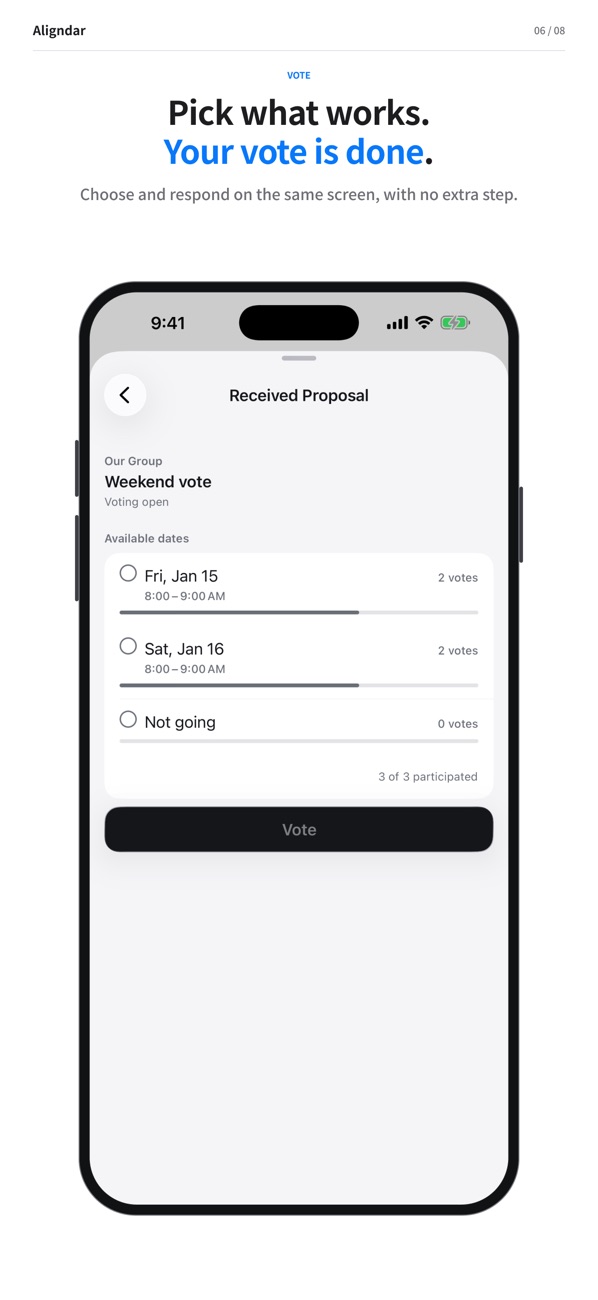
Vote, then make it a plan
Collect responses in a date poll, review the results, and close the vote. Confirm the date and keep the agreed plan in the shared calendar.
A few things to know
How do people join a shared calendar?
Sign in with Apple or Google, then use the invitation code for the shared calendar. You can also create a new calendar for your group.
Do I have to connect my personal calendar?
No. Connecting a personal calendar is optional. You can start by creating or joining a shared calendar.